

Week 1 · Introduce Titoto
Add the cover and profile picture. Pin the welcome post with the website contact link.
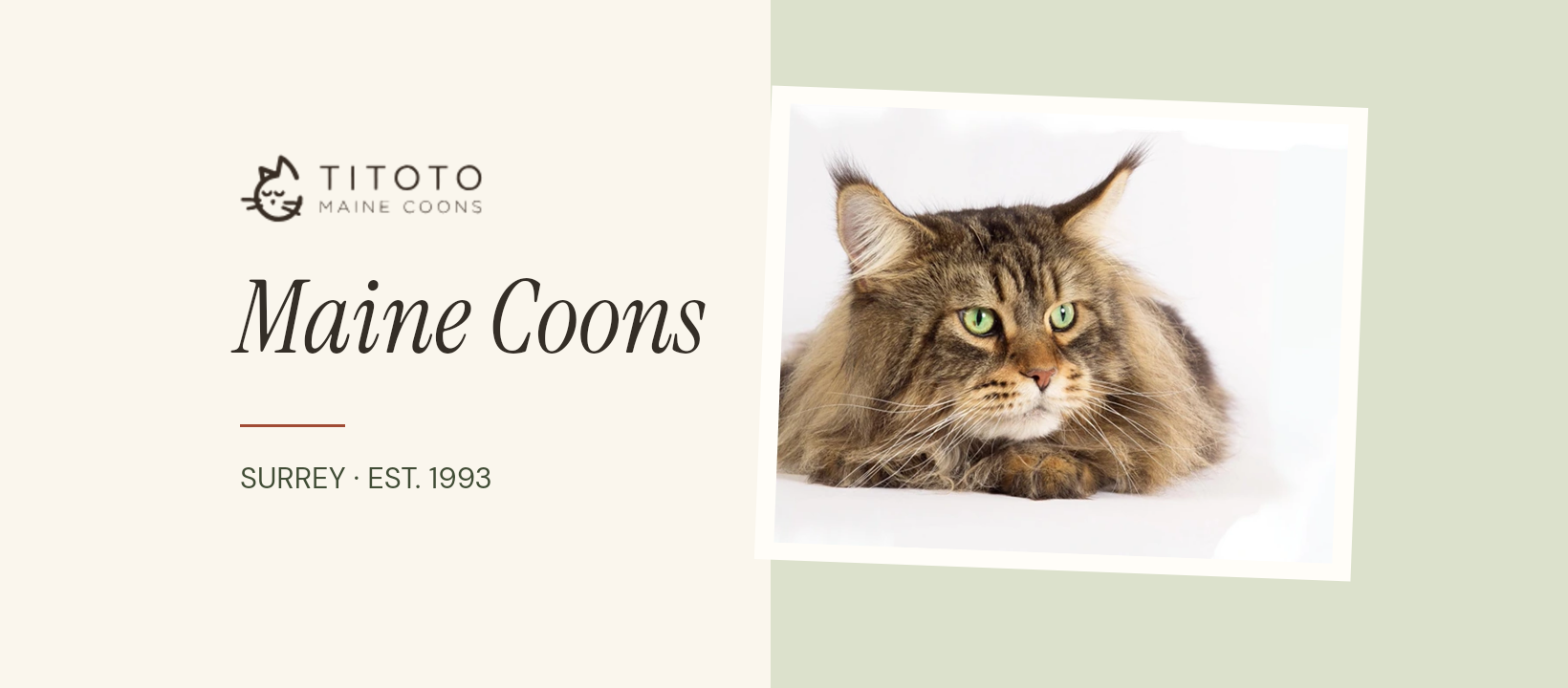
Artwork for Titoto’s Facebook presence, and five designs you can keep using with your own photographs.
Start with the existing Titoto Facebook profile. Confirm that you control it and how you want families to contact you. You can use the cover, profile picture and posts there. If you decide to maintain a separate business Page, create it from your own account so you keep access. Use Titoto Maine Coons for its name, Surrey as the public location and your website as the enquiry destination. Pass the chosen public link to the person looking after your website.
Surrey hobby show cattery breeding and showing Maine Coons since 1993. Meet our cats and browse the kitten album at titoto.com.
Welcome to Titoto. I’m Sheila, and I’ve been breeding and showing Maine Coons since 1993. This is where I’ll share old favourites from the photo album, news from home and the occasional update from our cats’ families. If you’d like to ask me about a kitten, you can get in touch through titoto.com/contact/.
Add the cover and profile picture. Pin the welcome post with the website contact link.
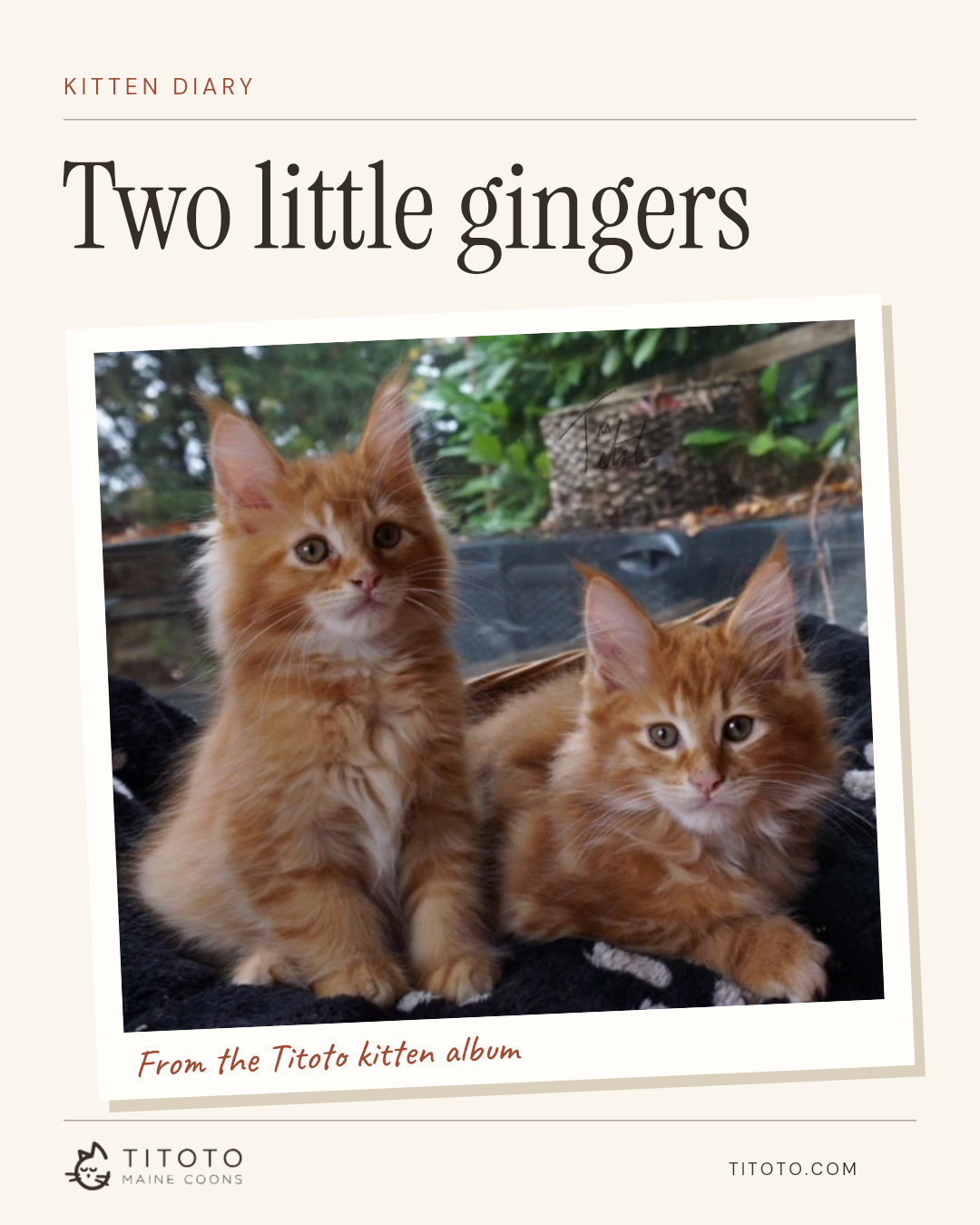
Share the ginger kitten diary. Ask readers which details they notice first, the whiskers or the ear tufts.
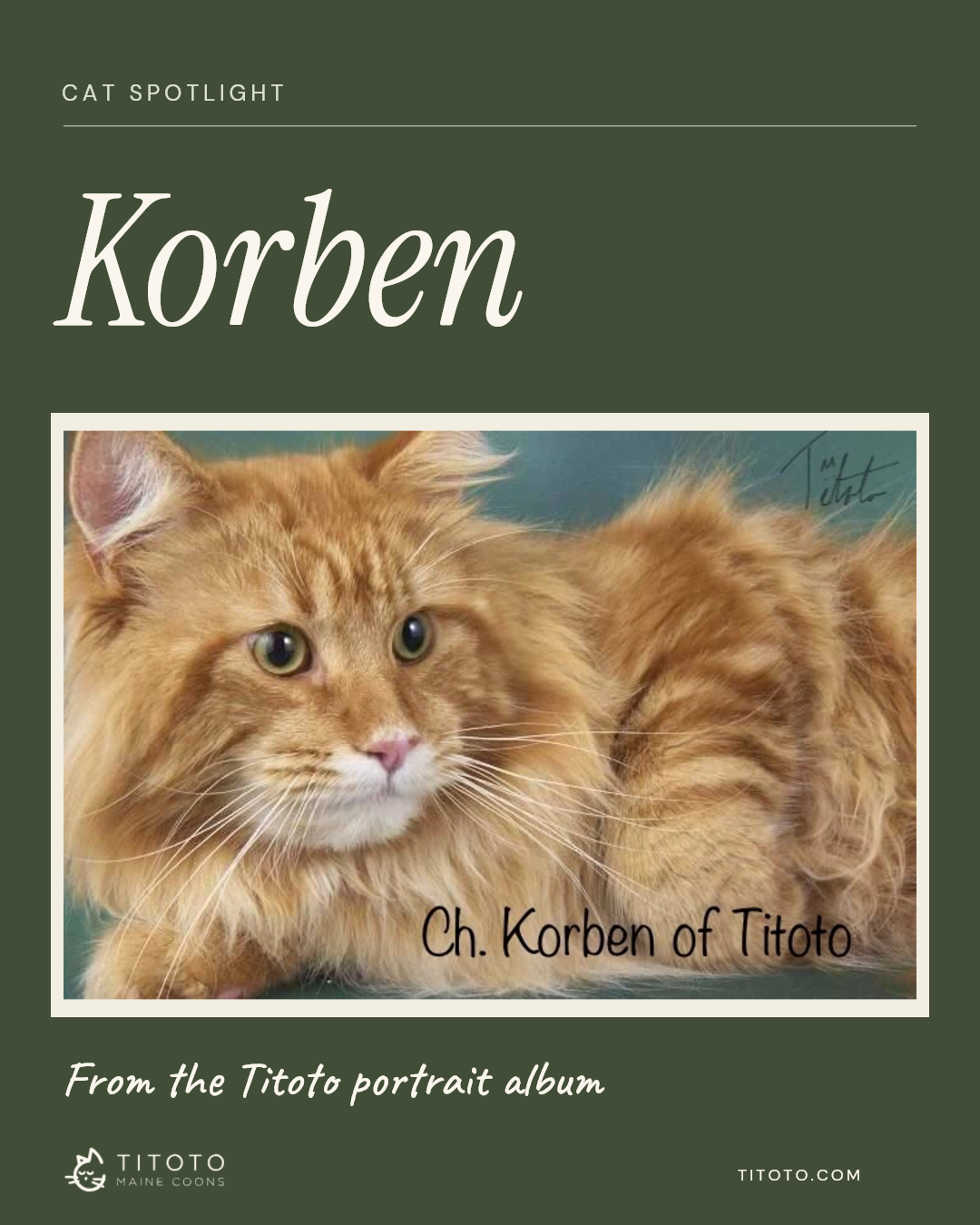
Share Korben’s portrait and a detail you remember about him. Use the same layout next time for a different cat.
Share the Percy and Nell story once the family has agreed. A link to the complete story gives readers the context.
After a month, note which posts prompted conversations and which website enquiries mentioned Facebook. Keep a small collection of full-resolution originals and a record of who is happy for their stories to be shared.